

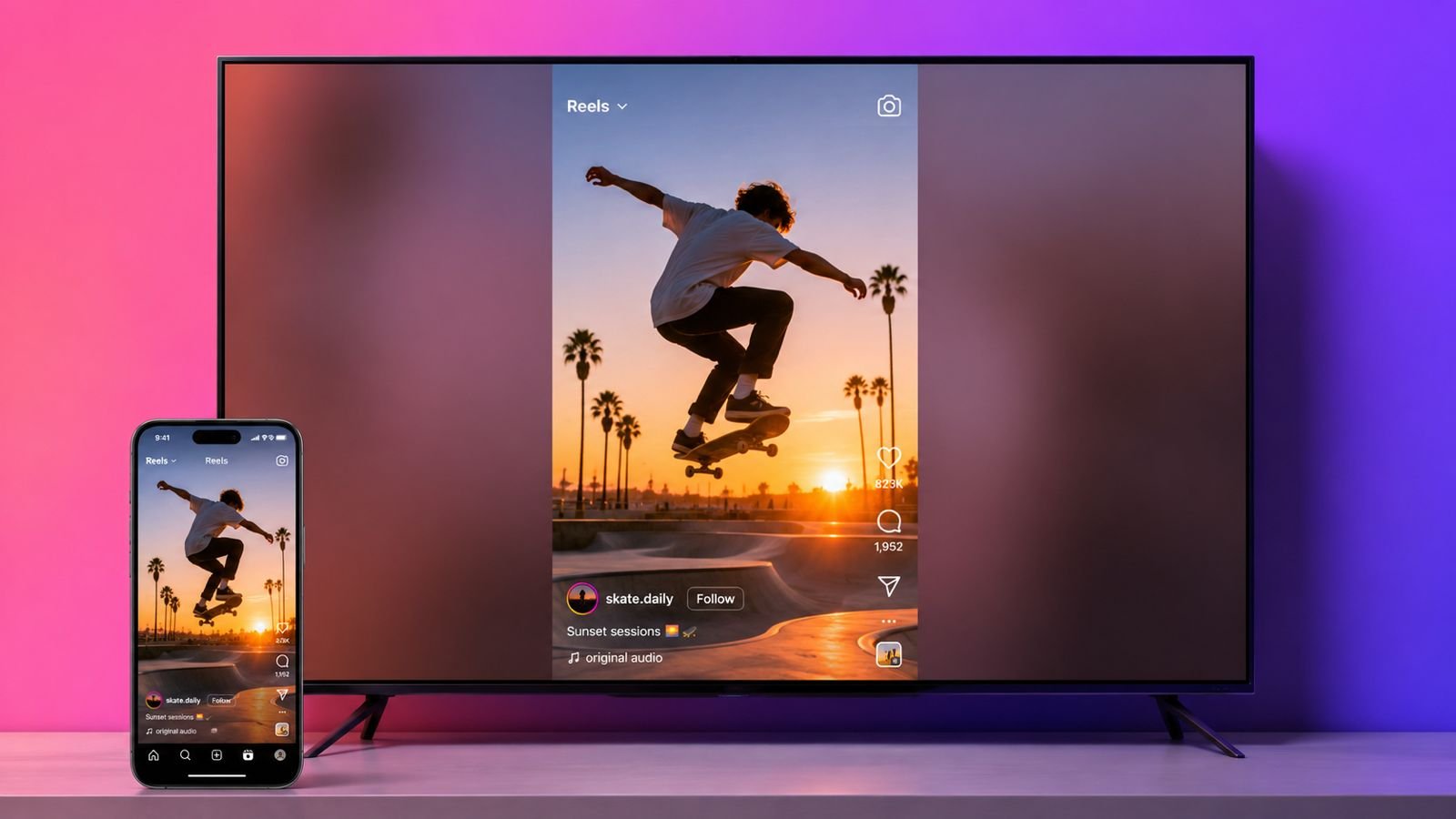
Watch Instagram Reels on TV for a better viewing experience. Meta now offers exciting television viewing options. Bigger screens make videos easier to enjoy together.
Several supported devices already offer this feature. More regions should receive support very soon.
Watch Instagram Reels on TV Using Different Methods
Instagram is growing beyond smartphone screens today. Meta now explores television viewing for everyone. This idea makes short videos feel different. Families can watch together more comfortably now.
Meta currently tests a dedicated television application. The app mainly focuses on Instagram Reels. It does not replace mobile Instagram completely. More features should arrive through future updates.
The testing phase remains limited currently worldwide. Compatible Fire TV devices receive access first. The United States received early availability first. More countries should join the rollout gradually.
Another simple option uses Google Cast technology. This method requires no separate television application. Users simply cast videos from smartphones directly. The process feels quick and very easy.
Google Cast works across several supported platforms. Chromecast devices fully support Instagram Reels casting. Google TV devices support this feature. Android TV devices also work smoothly.
Many televisions include built-in Google Cast. LG televisions support casting without problems. Vizio televisions also support the feature. Other compatible televisions work similarly today.
Samsung televisions also receive expanded Instagram support. Meta continues adding more supported platforms regularly. Future updates should improve overall compatibility further.
The Google Cast feature still rolls out gradually. Some Instagram accounts already display the option. Other users must wait slightly longer. Availability depends on Meta’s rollout schedule.
Why Television Viewing Feels Different
Watching together becomes easier than smartphone viewing. Everyone enjoys videos without crowding around phones. Living room entertainment feels more social. Short videos become fun group activities.
The television experience supports passive video discovery. Reels appear inside different interest categories automatically.
Sports videos remain easy to find quickly. Music lovers receive matching recommendations regularly. Entertainment channels also appear based on preferences.
Recommendations depend upon existing Instagram interests. Your television feed matches mobile preferences. Personal suggestions improve the viewing experience. Fresh creators also appear during browsing.
Watch with Helpful Features
The television application keeps videos vertically displayed. Reels remain unchanged on widescreen televisions. This format matches original video recordings. Most users quickly accept this design.
The application supports several Instagram accounts together. Users can sign into five accounts. Switching accounts remains quick and simple. Family members enjoy personal recommendations separately.
Users can browse favorite creators easily. Creator profiles remain available for viewing. Comments appear during supported content browsing. Reactions also remain available for users. The interface feels familiar and comfortable.
Teen safety protections remain fully available. Existing account restrictions continue automatically. Parents receive familiar safety controls throughout. Content currently stays limited to PG-13.
Meta already plans several future improvements. Smartphones may become television remote controls. Sharing videos should become much easier. Creator discovery tools should improve significantly.
These improvements remain under active development. Future updates should expand available features. The television experience should improve steadily. Meta continues testing user feedback carefully.
Easy Setup Steps
Installing Instagram on Fire TV remains very simple. The process only takes several minutes. Follow these easy steps very carefully.
Install Instagram on Fire TV
- Open your Fire TV home screen.
- Select the Find option.
- Search for the Instagram application.
- Choose the official Instagram application.
- Select Get for installation.
- Open the installed application.
- Sign into your Instagram account.
- Start enjoying Instagram Reels immediately.
Users can also link accounts faster. Open Instagram on your smartphone first. Visit Settings and Activity inside Instagram. Link your television application easily there. This method saves setup time greatly.
Supported Fire TV Devices
The Instagram television application supports several devices.
- Fire TV Stick HD
- Fire TV Stick 4K Plus
- Fire TV Stick 4K Max First Generation
- Fire TV Stick 4K Max Second Generation
- Fire TV 2-Series
- Fire TV 4-Series
- Fire TV Omni QLED televisions
Cast Instagram Reels Using Google Cast
Google Cast offers another simple viewing method. No extra television application becomes necessary. Open Instagram using your smartphone first.
Find any Reel worth sharing. Tap the Cast icon available. Choose your compatible television device. The Reel starts playing automatically.
Users can also cast Saved Reels. Favorite videos become easier to share together. Families enjoy memorable videos comfortably together. Friends also watch content without crowding.
Meta continues testing additional television improvements. Horizontal content receives dedicated television support. Bigger screens will use space better.
Future updates should improve visual quality. The company continues collecting user feedback. More useful features should arrive gradually.
The rollout continues expanding across many regions. Some users already enjoy these features. Others must wait for availability. Regular updates should reach everyone eventually.
As We Conclude
Watch Instagram Reels on TV for enjoyable group entertainment. Fire TV and Google Cast simplify watching.
Meta continues improving supported devices and features. Bigger screens could transform everyday Instagram viewing experiences.